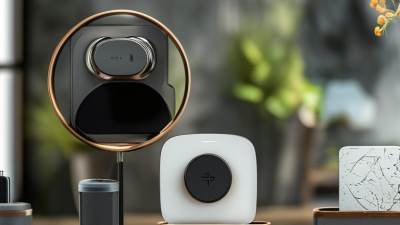
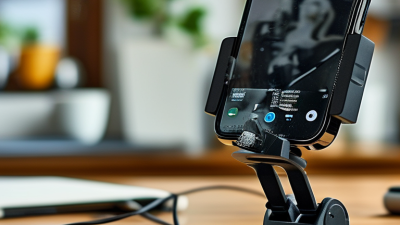
Smartphones now support navigation, remote work, video calls, and hands-free viewing. GSMA Intelligence reported approximately 4.6 billion mobile internet users worldwide in 2023. That figure shows why secure phone positioning matters in daily routines. A reliable mount can keep a screen visible beside a desk, dashboard, or kitchen counter. However, convenience should never replace careful installation or responsible driving.
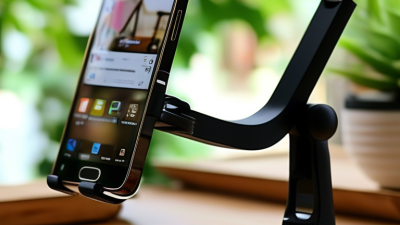
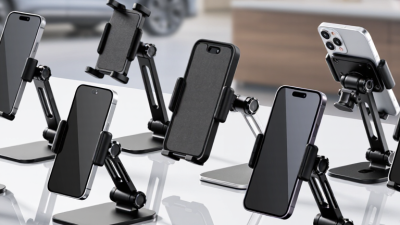
The right Phone Holder 360 Degree Rotation offers more than a rotating joint. It should provide stable movement, predictable locking, smooth adjustment, and a strong grip. Grand View Research identifies mobile phone accessories as a major global consumer market, driven by smartphone dependence and replacement demand. Yet market popularity does not guarantee product quality. Cheap plastic may loosen after repeated twisting. Weak adhesive may fail under heat. A narrow clamp may damage a phone case.
Small details matter.
This guide presents ten practical tips for evaluating rotating phone holders. It considers viewing angles, rotation resistance, material strength, installation methods, case compatibility, and long-term reliability. The National Highway Traffic Safety Administration warns that taking your eyes from the road for five seconds can create serious risk at highway speed. Therefore, a holder should support safer, glance-based interaction, not encourage active phone use while driving. That distinction is easy to overlook. We also examine real-use details, such as one-handed adjustment, cable clearance, and stability on uneven surfaces. No holder fits every environment. A thoughtful choice begins by matching the design to your actual routine.
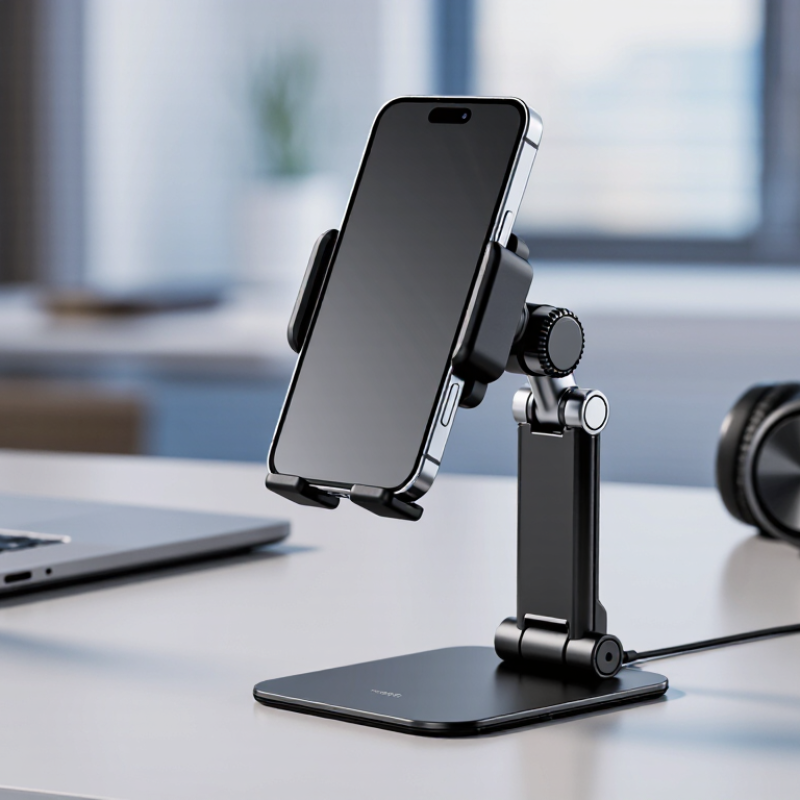
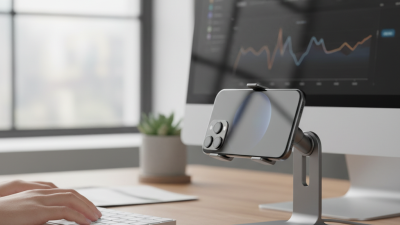
Before choosing a 360-degree rotating phone holder, define where and why it will be used. A holder for navigation faces heat, vibration, and frequent viewing. A desk holder needs stability, cable access, and comfortable eye-level positioning. For filming or video calls, smooth rotation and a firm grip matter more than compact size. The wrong purpose creates small daily frustrations.
Vehicle use requires extra caution. The National Highway Traffic Safety Administration reported 3,308 deaths from distracted-driving crashes in the United States in 2022. A holder should keep the phone visible without blocking the windshield, controls, or essential instruments. Check the mounting surface carefully. Textured dashboards, curved vents, and loose adhesive pads can reduce stability. Suction mounts may also weaken in strong sunlight. It happens.
The mounting environment should match the holder’s structure. A vent mount suits short trips, but repeated weight can strain delicate vents. A dashboard or windshield mount may provide a steadier viewing angle, yet surface temperature and local regulations must be considered. Ericsson’s November 2024 Mobility Report projects mobile data traffic will continue growing strongly through 2030, increasing reliance on phones during travel and work. That trend supports better mounting decisions, not careless placement.
Before buying, test the holder with your actual phone, case, charging cable, and preferred viewing angle. My own mistake was testing an empty holder first. Real conditions were less forgiving.